
Grow A Garden Script (ThunderZ Hub) - New Update, Egg Esp & More
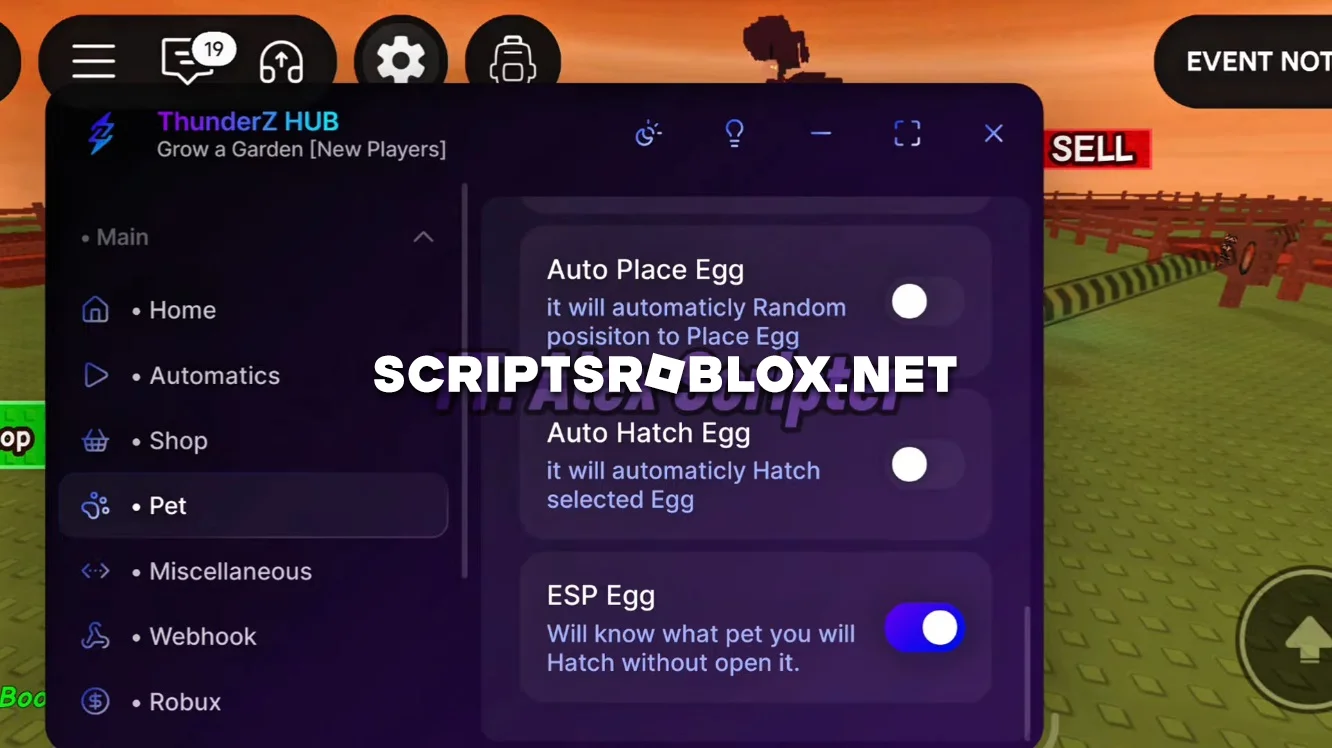
Grow A Garden fans, another cool script called ThunderZ Hub has been developed for you. The script has been updated to the latest version of the game and has many new features, including Halloween & Ghoul Events.
This script automatically grows plants, harvests crops, and helps you level up your garden faster. You just watch as your farm grows bigger and more beautiful, and the resources accumulate on their own. Everything works smoothly, without crashes or delays. This script makes the game much more interesting: you don't have to waste time on repetitive actions, you can just enjoy the process and watch your garden come to life. It is suitable for both beginners and those who have been playing for a long time.
Overall, we recommend you try this script on Grow A Garden, it is one of the best and definitely worth your attention.
Grow A Garden Script ThunderZ Hub Features
- New Event Support
- New Ghoul Event
- New Halloween Event
- Auto Submit
- Auto Quests
- Auto Farm Event Currency
- Auto Harves
- Auto Replant
- Instant Growth
- Auto Buy Items
- Infinite Jumps
- Walk Speed Boost
- Teleport
- No Cooldown
- Egg ESP and much more to make your game easier and faster than ever.
loadstring(game:HttpGet('https://raw.githubusercontent.com/ThundarZ/Welcome/refs/heads/main/Main/GaG/Main.lua'))()Supported Executors
You can execute this script using one of the supported Roblox executors below.
How to Use This Script
- Download and install a trusted executor.
- Open Roblox and join the game.
- Launch the executor on your Mobile Phone / Emulator.
- Paste the script code into the executor.
- Press Execute and enjoy the new features.
Tip: Always use trusted executors to avoid errors or bans.
Comments 2