
Grow a Garden 2 Script (Speed Hub X) - Auto Plants, Collect & More
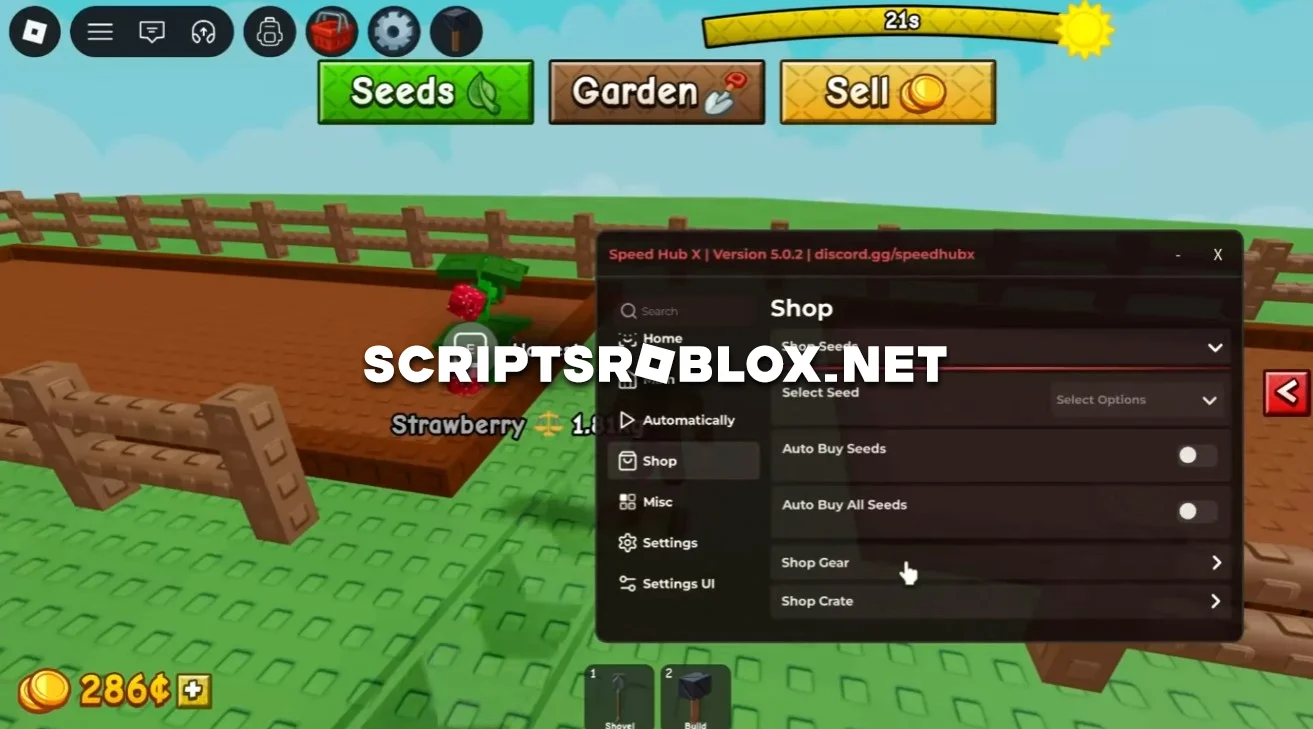
The game Grow a Garden 2 became widely loved by Roblox gamers very quickly, thanks to the idea that was introduced in the first Grow a Garden and then developed into one of the most popular games in Roblox. In the second part of the game, the designers gave users many chances to expand their farm, offered interesting mechanics, new plants, and extra ways to make money.
This script will make the automation of most of the farm processes very simple, as well as increase the rate at which work is done. This script will enable you to plant your seeds, harvest, use your sprinklers, and sell the harvested crop, thus making money with minimum effort on your part.
Additionally, you’ll have access to the Auto Steal feature, which further helps you acquire resources faster, while the automated seed management eliminates the need to constantly visit the store manually. As a result, the farm develops much faster, money is earned automatically, and you can focus all your attention on unlocking new content. The script is well-designed, runs smoothly, and does not require an activation key.
loadstring(game:HttpGet("https://raw.githubusercontent.com/AhmadV99/Speed-Hub-X/main/Speed%20Hub%20X.lua", true))()Supported Executors
You can execute this script using one of the supported Roblox executors below.
How to Use This Script
- Download and install a trusted executor.
- Open Roblox and join the game.
- Launch the executor on your Mobile Phone / Emulator.
- Paste the script code into the executor.
- Press Execute and enjoy the new features.
Tip: Always use trusted executors to avoid errors or bans.
Comments 0