
UGC Don't Move Script: Anti AFK, Click Bubble, Auto Spin & More
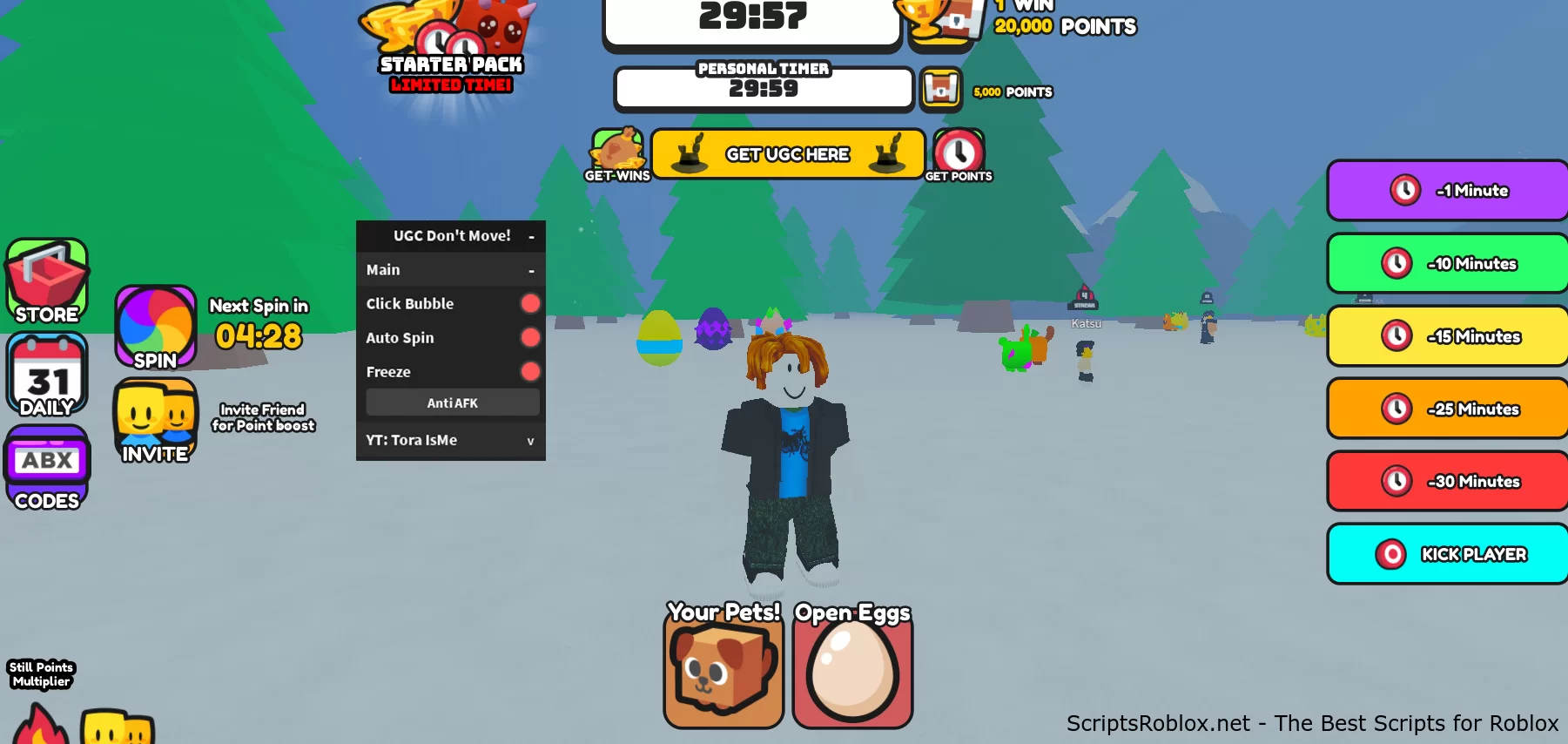
We publish a new functional script for the Roblox game UGC Don't Move, which was released at the end of August this year and has managed to gain considerable popularity. Tora IsMe created this script with a simple graphical interface and contains many useful functions such as Click Bubble, Auto Spin, Freeze, and Anti AFK. These functions provide additional features, providing a strategic advantage in the game. The UGC Don't Move game offers players a variety of features, including a daily giveaway of various items to collect. The server implements a timer-based game element that allows players to compete against friends, beat the timer, and accumulate wins and points. The script for UGC Don't Move is available to you for free from ScriptsRoblox.net.
Credits:
Tora IsMe
loadstring(game:HttpGet('https://raw.githubusercontent.com/ToraIsMe/ToraIsMe/main/0DontMove'))()Supported Executors
You can execute this script using one of the supported Roblox executors below.
How to Use This Script
- Download and install a trusted executor.
- Open Roblox and join the game.
- Launch the executor on your Mobile Phone / Emulator.
- Paste the script code into the executor.
- Press Execute and enjoy the new features.
Tip: Always use trusted executors to avoid errors or bans.
Comments 0