
Weapon Fighting Simulator Script - Best Auto Farm GUI
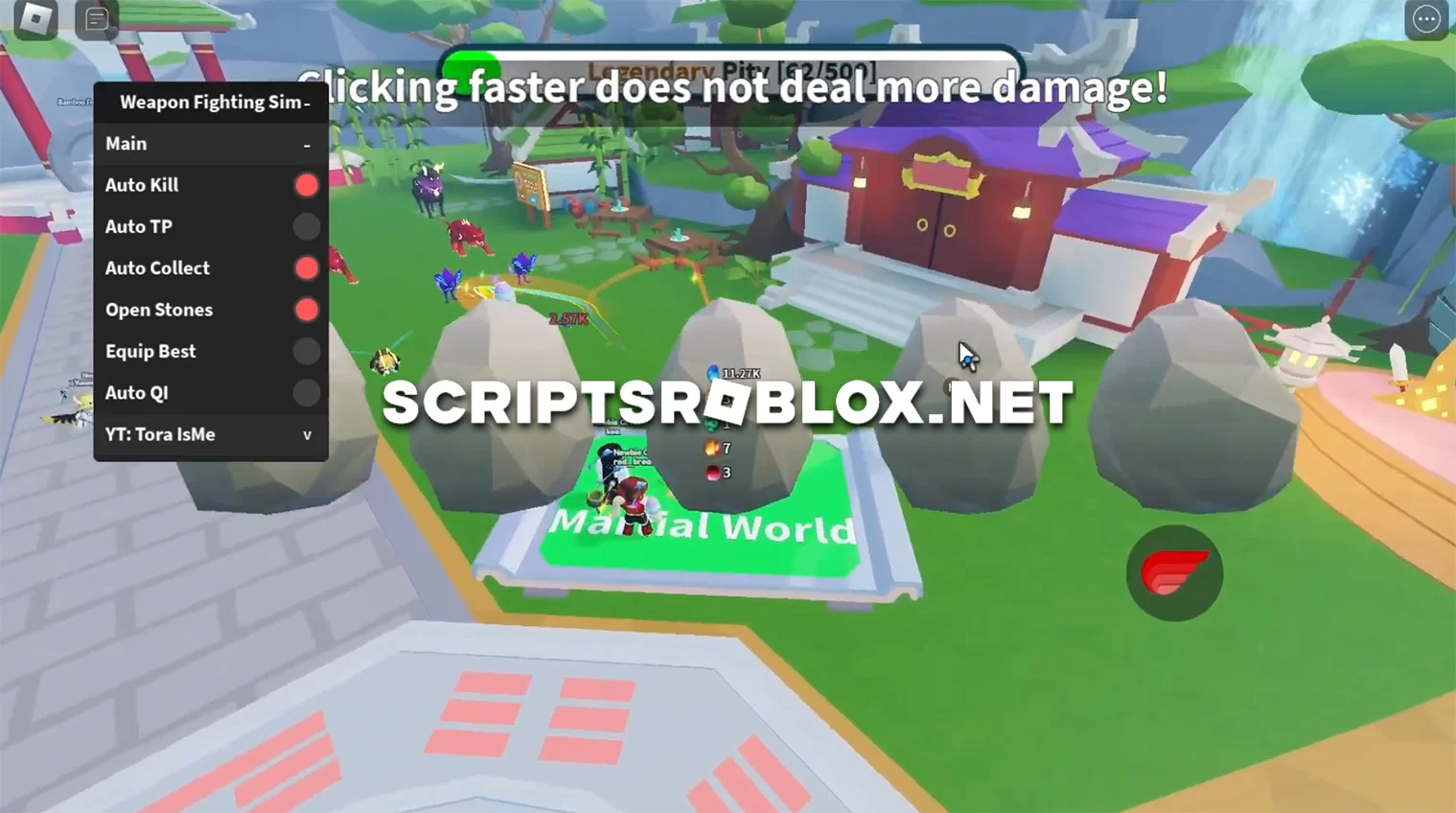
On the vastness of the Internet, there are many different scripts on the Roblox game Weapon Fighting Simulator, some of them are already outdated, but for you, we have prepared a new script with many useful functions, including Auto Kill, Auto TP, Equip Best, Auto Collect, Open Stones, Auto QI and others.
Weapon Fighting Simulator allows players to battle enemies using weapons and spells to become the best martial artist. The game features daily power-ups, powerful new weapons, and spells to help in battles and different worlds with different enemies and challenging bosses. With a growing community and regular updates, the game promises an exciting adventure for Roblox fans.
As of the latest game update, the script works perfectly on PC and mobile versions, so we advise you to download it for free from our website.
Created by ToraIsMe
loadstring(game:HttpGet('https://raw.githubusercontent.com/ToraScript/Script/main/WeaponFighting'))();Supported Executors
You can execute this script using one of the supported Roblox executors below.
How to Use This Script
- Download and install a trusted executor.
- Open Roblox and join the game.
- Launch the executor on your Mobile Phone / Emulator.
- Paste the script code into the executor.
- Press Execute and enjoy the new features.
Tip: Always use trusted executors to avoid errors or bans.
Comments 0