
Hoho Hub Script Blox Fruits: Auto Farm, Dupe Items & More (2025)
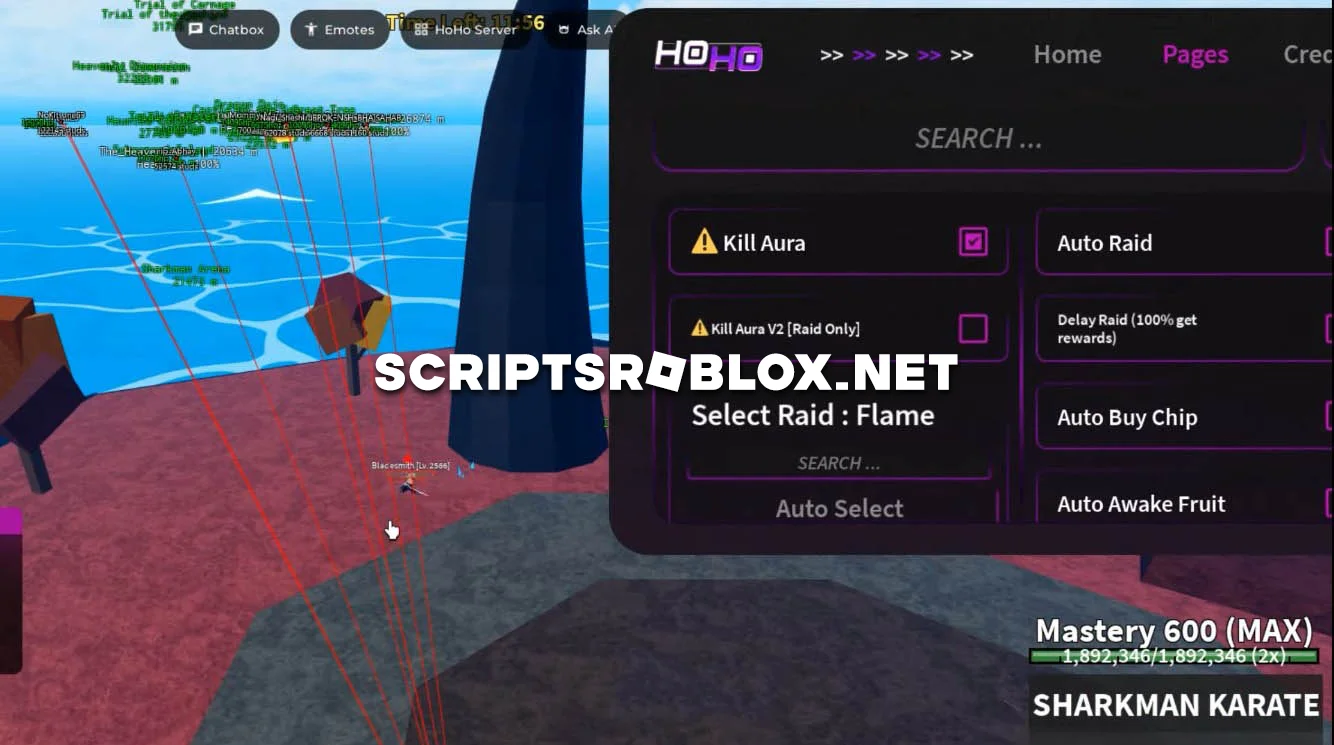
Replenishing the list of scripts on the most popular Roblox game Blox Fruits, today you will be familiarized with the development of HoHo Hub. Blox Fruits is a popular Roblox game in which players have to explore the virtual world, perform tasks, and collect various fruits to get in-game currency.
Hoho Hub Script Blox Fruits
Using the HoHo Hub script in Blox Fruits provides a number of benefits such as automating some tasks, increasing the efficiency of gameplay, and potentially giving you an advantage over other players. The script displayed on the computer screen can be used to perform actions such as buying fruits and saving time and effort compared to manually navigating the game's interface.
In addition, the script contains functions to improve the player's experience, such as providing information on the best fruits to buy or suggesting strategies to optimize gameplay. Below you will be able to copy this script for free for further use and activate it in your injector.
loadstring(game:HttpGet('https://raw.githubusercontent.com/acsu123/HOHO_H/main/Loading_UI'))()Supported Executors
You can execute this script using one of the supported Roblox executors below.
How to Use This Script
- Download and install a trusted executor.
- Open Roblox and join the game.
- Launch the executor on your Mobile Phone / Emulator.
- Paste the script code into the executor.
- Press Execute and enjoy the new features.
Tip: Always use trusted executors to avoid errors or bans.
Comments 1