
Super Power Training Simulator script – Autofarm stats
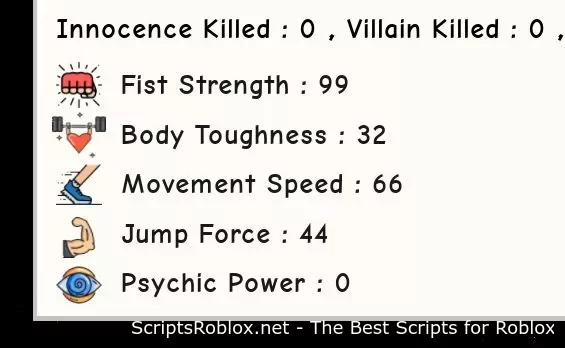
Functions: Autofarm stats
Script developer: xBoredx
💻 Script Code
local Replicated = game:GetService("ReplicatedStorage")

getgenv().farm = true -- set to false to stop obviously.
while getgenv().farm == true do
   task.wait()

local args = {
   [1] = {
       [1] = "+BT1"
   }
}
Replicated.RemoteEvent:FireServer(unpack(args))
wait()
local args = {
   [1] = {
       [1] = "+PP1"
   }
}
Replicated.RemoteEvent:FireServer(unpack(args))
wait()
local args = {
   [1] = {
       [1] = "+JF1"
   }
}
Replicated.RemoteEvent:FireServer(unpack(args))
wait()
local args = {
   [1] = {
       [1] = "+MS1"
   }
}
Replicated.RemoteEvent:FireServer(unpack(args))
wait()
local args = {
   [1] = {
       [1] = "+FS1"
   }
}
Replicated.RemoteEvent:FireServer(unpack(args))
end
Supported Executors
You can execute this script using one of the supported Roblox executors below.
How to Use This Script
- Download and install a trusted executor.
- Open Roblox and join the game.
- Launch the executor on your Mobile Phone / Emulator.
- Paste the script code into the executor.
- Press Execute and enjoy the new features.
Tip: Always use trusted executors to avoid errors or bans.
Report
Comments 0