
YOUTUBE LEGENDS Script: Auto Click, Auto Editing
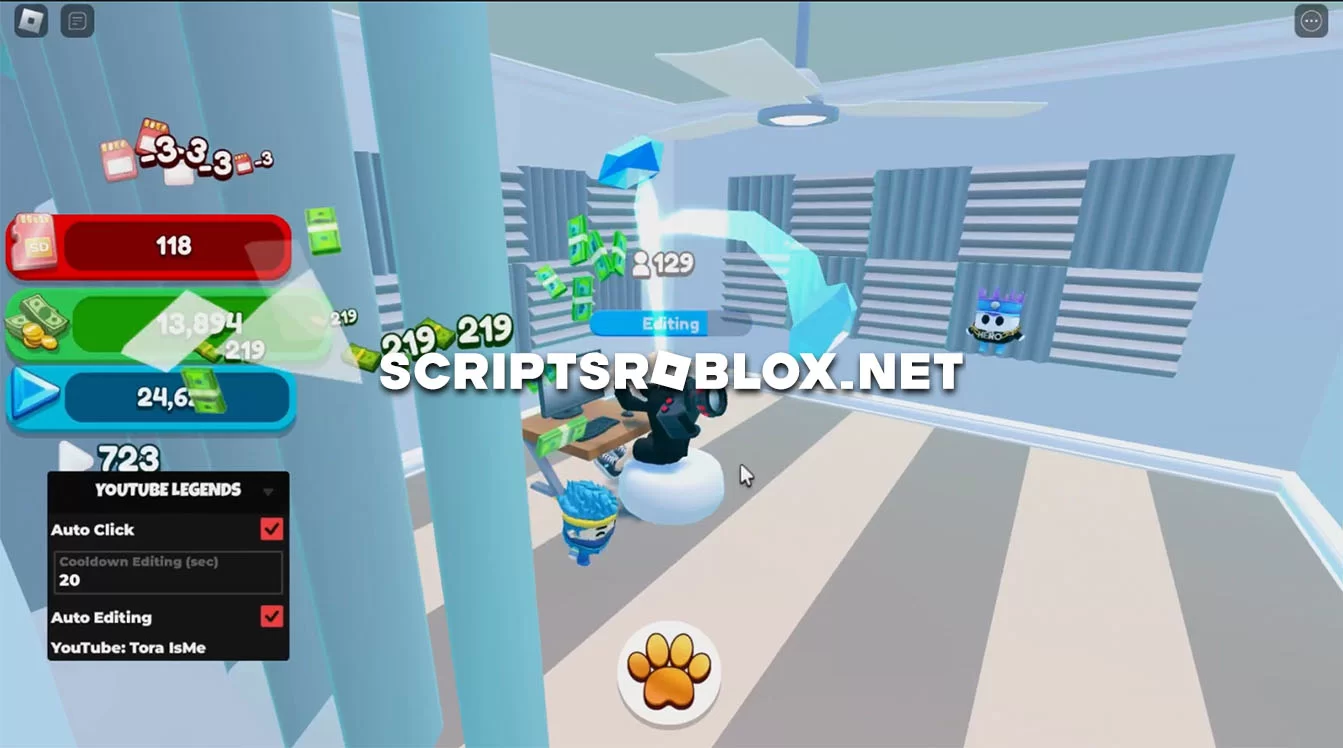
We present you the only working script to date on the new roblox game YOUTUBE LEGENDS. The script has a small graphical interface to control its functions, there are two of them, Fast Click and Auto Editing. In short, the script for you automatically do all the work, saving you a lot of time. The author has a detailed review of the script on his YouTube channel, we advise you to watch it before using the script to understand how it works.
💻 Script Code
loadstring(game:HttpGet("https://raw.githubusercontent.com/ToraScript/Script/main/YouTubeLegends"))()Supported Executors
You can execute this script using one of the supported Roblox executors below.
How to Use This Script
- Download and install a trusted executor.
- Open Roblox and join the game.
- Launch the executor on your Mobile Phone / Emulator.
- Paste the script code into the executor.
- Press Execute and enjoy the new features.
Tip: Always use trusted executors to avoid errors or bans.
Report
Comments 0