
Bloxburg script - Auto Farm GUI Menu Free
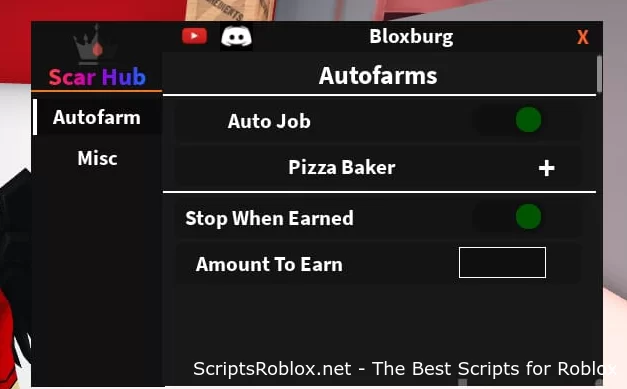
Functions: Auto Farm, Auto Job and Misc
Script developer: PainfulDestroyer
💻 Script Code
loadstring(game:HttpGet("https://raw.githubusercontent.com/PainfulDestroyer/Roblox/main/Scar%20Hub"))()Supported Executors
You can execute this script using one of the supported Roblox executors below.
How to Use This Script
- Download and install a trusted executor.
- Open Roblox and join the game.
- Launch the executor on your Mobile Phone / Emulator.
- Paste the script code into the executor.
- Press Execute and enjoy the new features.
Tip: Always use trusted executors to avoid errors or bans.
Report
Comments 0