
Bee Swarm Simulator Script 2023 - Auto Jelly Spinner
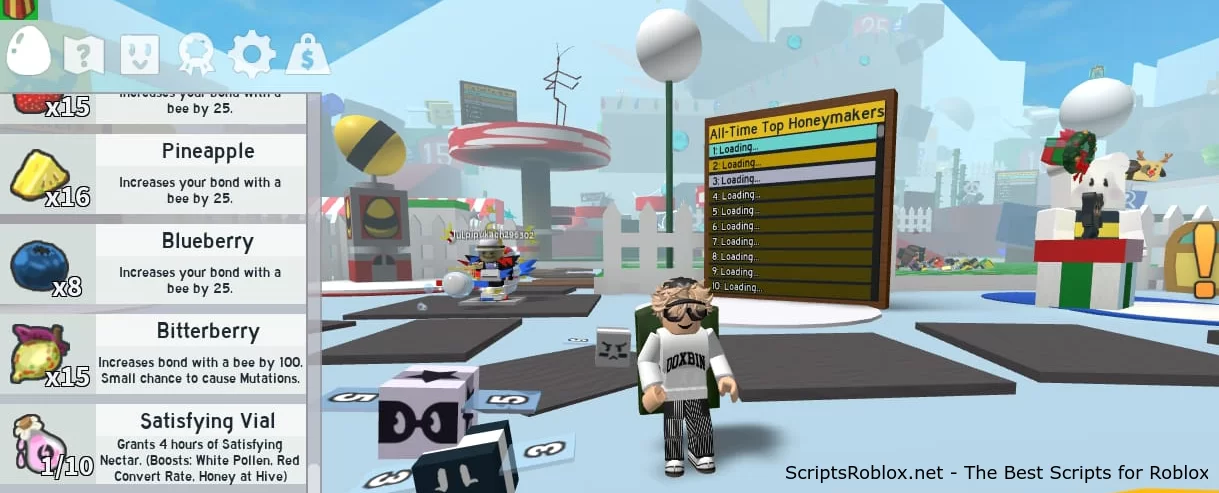
💻 Script Code
--[[
   by Lxst | Feb. 21st, 2023
--]]

getgenv().Enabled = false;
getgenv().TargetBees = {'TadpoleBee', 'BuoyantBee'} -- NEEDS TO BE FORMATTED THIS WAY (You can improve on it if you want, but this works for me.)
getgenv().X = 4 -- right/left
getgenv().Y = 2 -- up/down
--
local Client = game.Players.LocalPlayer;
local HoneyComb = Client.Honeycomb;
--
local main = {}; do
   main.beeCheck = function()
       if table.find(TargetBees, HoneyComb.Value.Cells['C' .. X .. "," .. Y].CellType.Value) then
           return HoneyComb.Value.Cells['C' .. X .. "," .. Y].CellType.Value
       else
           return nil
       end
   end

   main.spinRoyalJelly = function()
       game.ReplicatedStorage.Events.ConstructHiveCellFromEgg:InvokeServer(X, Y, 'RoyalJelly', 1)
   end
end

if not main.beeCheck() and getgenv().Enabled then
   repeat main.spinRoyalJelly()
   until main.beeCheck() or not getgenv().Enabled
end
Supported Executors
You can execute this script using one of the supported Roblox executors below.
How to Use This Script
- Download and install a trusted executor.
- Open Roblox and join the game.
- Launch the executor on your Mobile Phone / Emulator.
- Paste the script code into the executor.
- Press Execute and enjoy the new features.
Tip: Always use trusted executors to avoid errors or bans.
Report
Comments 0