
Free Blox Fruits Script (Gravity Hub) - Auto Farm, Bring Fruits & More
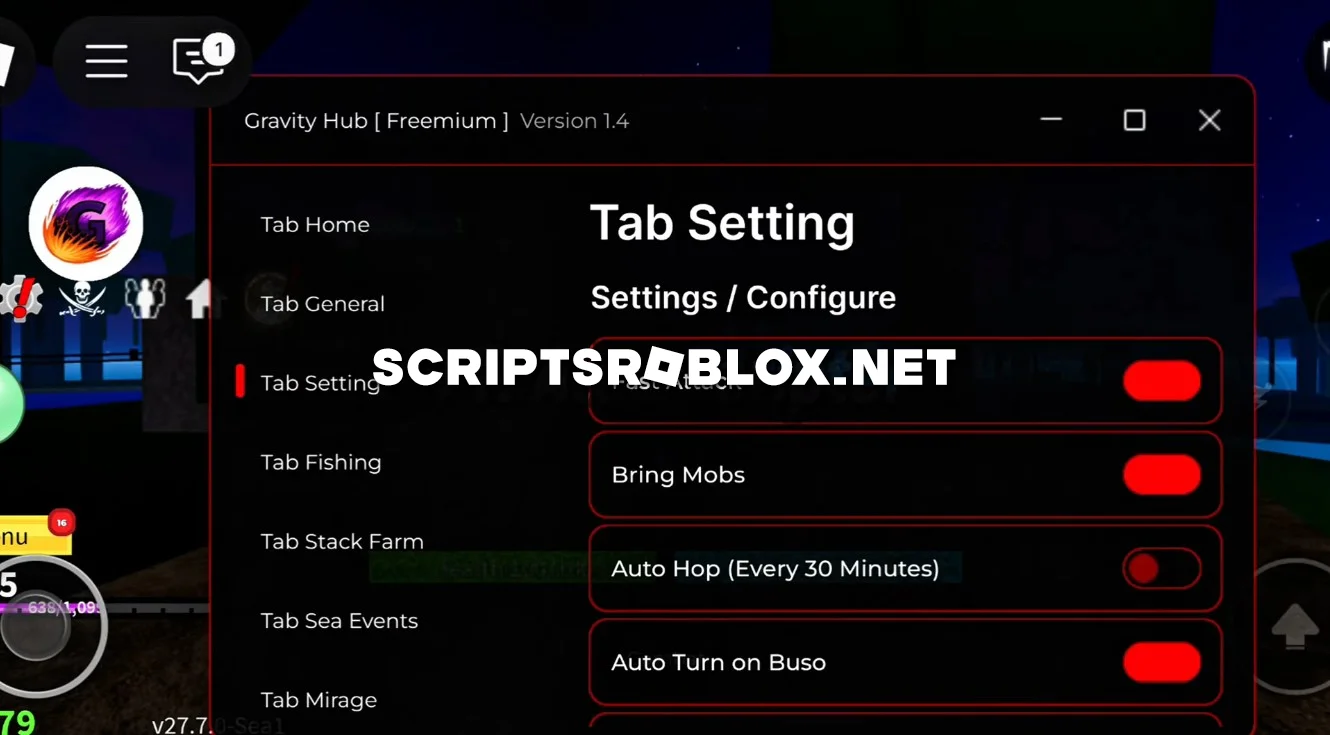
If you've been looking for the best script for Blox Fruits, Gravity Hub is one of them. This script is very popular thanks to its stability and huge range of features. It will help you level up quickly and gain an advantage over other players, working equally well on both PC and mobile.
The script fully automates farming fruit, quests, and bosses, helping you quickly level up, unlock new skills, and collect money. The script also supports teleports, auto-skills, and character upgrades — everything works stably and without lag.
The interface is convenient and intuitive, the functions are easy to enable and disable, and the best part is that it doesn't require a Key System, so you can launch it and start playing right away.
Blox Fruits Script Gravity Hub Features
Max Level Auto Farm, Sea Events automation, Fruit ESP & Fruit Sniper, Kaitun & Fast Tween Farm, God Human / Superhuman / Sharkman mastery support, Raid & Boss Handler, Auto RIP_Kabra / Cake Prince, Auto Mastery, Skill Point Auto Allocation, True Instant Teleport, Cooldown Bypass, ESP overlays, Auto PvP / Aura Hit, Auto Rebirth, WalkSpeed & Fly toggles, Noclip, Safe Mode, Server Hop, Anti Kick, Anti AFK, and tons of optimization tools for smooth farming — including Bomb & Event assistance, improved farm routes, and zero-lag farming options for both low-end and high-end devices.
loadstring(game:HttpGet("https://raw.githubusercontent.com/Dev-GravityHub/BloxFruit/refs/heads/main/Main.lua"))()Supported Executors
You can execute this script using one of the supported Roblox executors below.
How to Use This Script
- Download and install a trusted executor.
- Open Roblox and join the game.
- Launch the executor on your Mobile Phone / Emulator.
- Paste the script code into the executor.
- Press Execute and enjoy the new features.
Tip: Always use trusted executors to avoid errors or bans.
Comments 1