
Tower Defense Simulator Script Pastebin - Auto Farm, Auto Upgrade & More
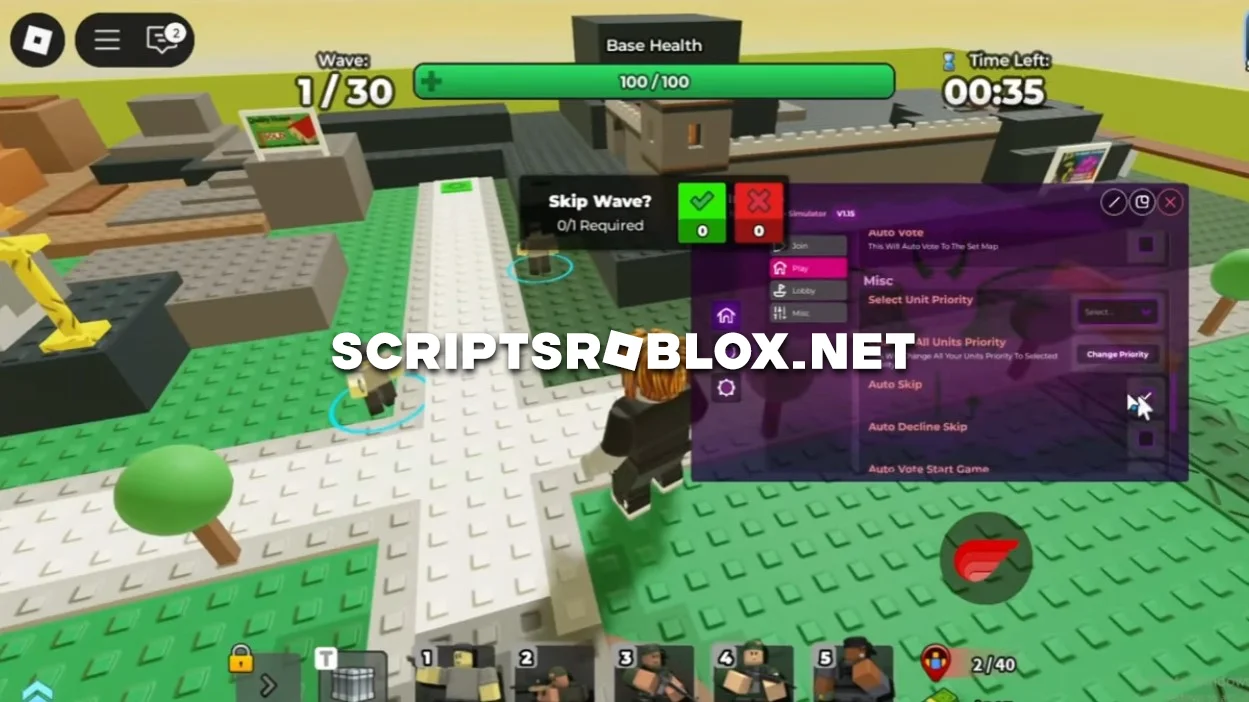
Fans of the Roblox game Tower Defense Simulator, we are pleased to present a new excellent Imp Hub script that can improve the gameplay and make it more interesting. The script automates most actions: you can instantly place and upgrade towers, farm currency, and complete levels solo or with friends much faster. The script helps you focus on strategy rather than repetitive clicking. It works stably, is frequently updated, and supports both PC and mobile versions of Roblox. The Imp Hub script is one of the best available today, and we recommend you try it for free at scriptsroblox.net.
Tower Defense Simulator Script Pastebin Features
- Auto Create Party
- Auto Place Units
- Auto Upgrade Units
- Auto Sell
- Auto Vote
- Auto Skip
- Retry Game
- Auto Tutorial
- Claim Daily Reward
- and more!
💻 Script Code
loadstring(game:HttpGet("https://raw.githubusercontent.com/alan11ago/Hub/refs/heads/main/ImpHub.lua"))()Supported Executors
You can execute this script using one of the supported Roblox executors below.
How to Use This Script
- Download and install a trusted executor.
- Open Roblox and join the game.
- Launch the executor on your Mobile Phone / Emulator.
- Paste the script code into the executor.
- Press Execute and enjoy the new features.
Tip: Always use trusted executors to avoid errors or bans.
Report
Comments 0