
Claw Fishing Script - Auto Claw Fish, Auto Best Fish & More
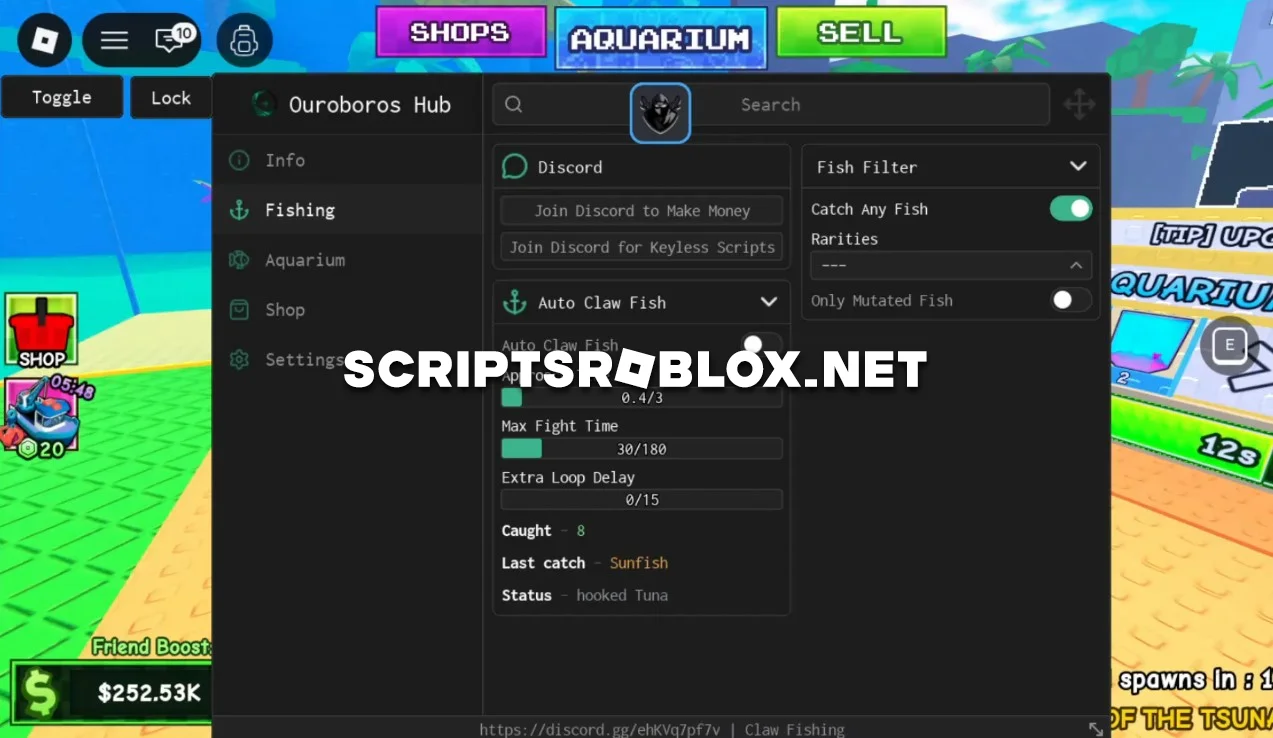
On this page, you can copy the latest script and use it in the Roblox game Claw Fishing. It includes all the necessary features for automated fishing and leveling up: Auto Claw Fish, Auto Catch Fish, Auto Buy, Auto Best Fish On Aquarium, Auto Collect Money, Auto Upgrade Aquarium, and many others. As of today, this is one of the best scripts available to help you significantly speed up your progress in the game.
About Claw Fishing
Claw Fishing is a popular Roblox game in which you use a robotic claw to catch fish, then sell them to earn money, upgrade your equipment, and expand your aquarium. With good equipment and fish, you’ll be able to earn more money and unlock new opportunities.
Claw Fishing Script Features
Auto Claw Fish & Auto Catch Fish
The script automatically uses the claw to catch fish and completes the catching process on its own. This allows you to farm fish continuously without constant intervention.
Auto Buy
Automatically purchases the best upgrades for the Claw, Boat, and Crane as you accumulate money, helping you increase your farming efficiency faster.
Auto Best Fish On Aquarium
Automatically places the best caught fish in the aquarium, increasing its value and making progression more efficient.
Auto Collect Money
Automatically collects all available money so you don’t have to waste time collecting it manually.
Auto Upgrade Aquarium
Automatically upgrades the aquarium, unlocking new features and increasing your income as you progress through the game.
Why Use This Claw Fishing Script?
Instead of constantly catching fish manually, this script and its features will handle everything on their own. It will automatically catch fish, purchase new upgrades, collect money, and upgrade your aquarium. With this script, you’ll earn money faster in the game and gain access to more valuable fish species.
loadstring(game:HttpGet("https://raw.githubusercontent.com/joustingmatch/Ouroboros/main/loader.lua"))()Supported Executors
You can execute this script using one of the supported Roblox executors below.
How to Use This Script
- Download and install a trusted executor.
- Open Roblox and join the game.
- Launch the executor on your Mobile Phone / Emulator.
- Paste the script code into the executor.
- Press Execute and enjoy the new features.
Tip: Always use trusted executors to avoid errors or bans.
Comments 0