
Garden Tower Defense Script: Auto Play, Auto Upgrade & More
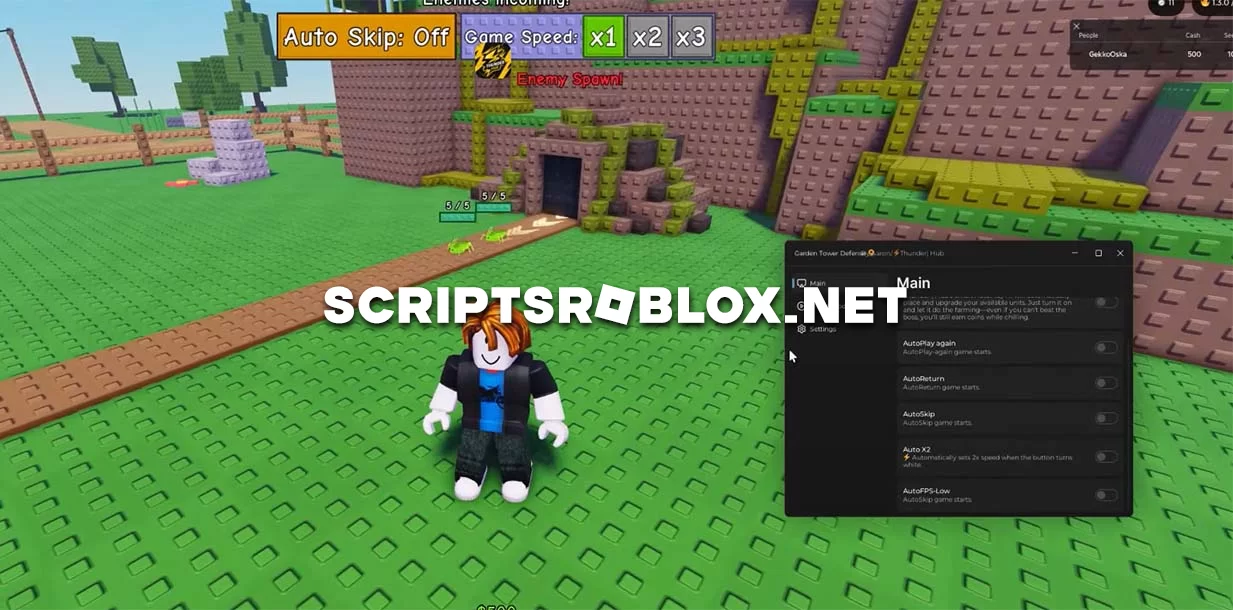
Dear visitors, we present an excellent script for the Roblox game Garden Tower Defense with a multitude of features, including Auto Play, Auto Return, Auto Skip, Auto X2, Auto Fps Low, Auto Mode, and others. This script will be an excellent option for players who want to improve their gameplay; these features will provide new opportunities that will make the game more interesting. The game Garden Tower Defense was released in May this year and has been visited more than 44 million times since then. In it, you must assemble a Garden Tower Defense army to defeat hordes of enemies and protect your base. With this script, it will be much easier to do so.
💻 Script Code
loadstring(game:HttpGet("https://raw.githubusercontent.com/NAVAAI098/Thunder-Hub/main/Loader.lua"))()Supported Executors
You can execute this script using one of the supported Roblox executors below.
How to Use This Script
- Download and install a trusted executor.
- Open Roblox and join the game.
- Launch the executor on your Mobile Phone / Emulator.
- Paste the script code into the executor.
- Press Execute and enjoy the new features.
Tip: Always use trusted executors to avoid errors or bans.
Report
Comments 1