
Build a Tower Script - Auto Upgrade, Auto Buy, Teleports & More
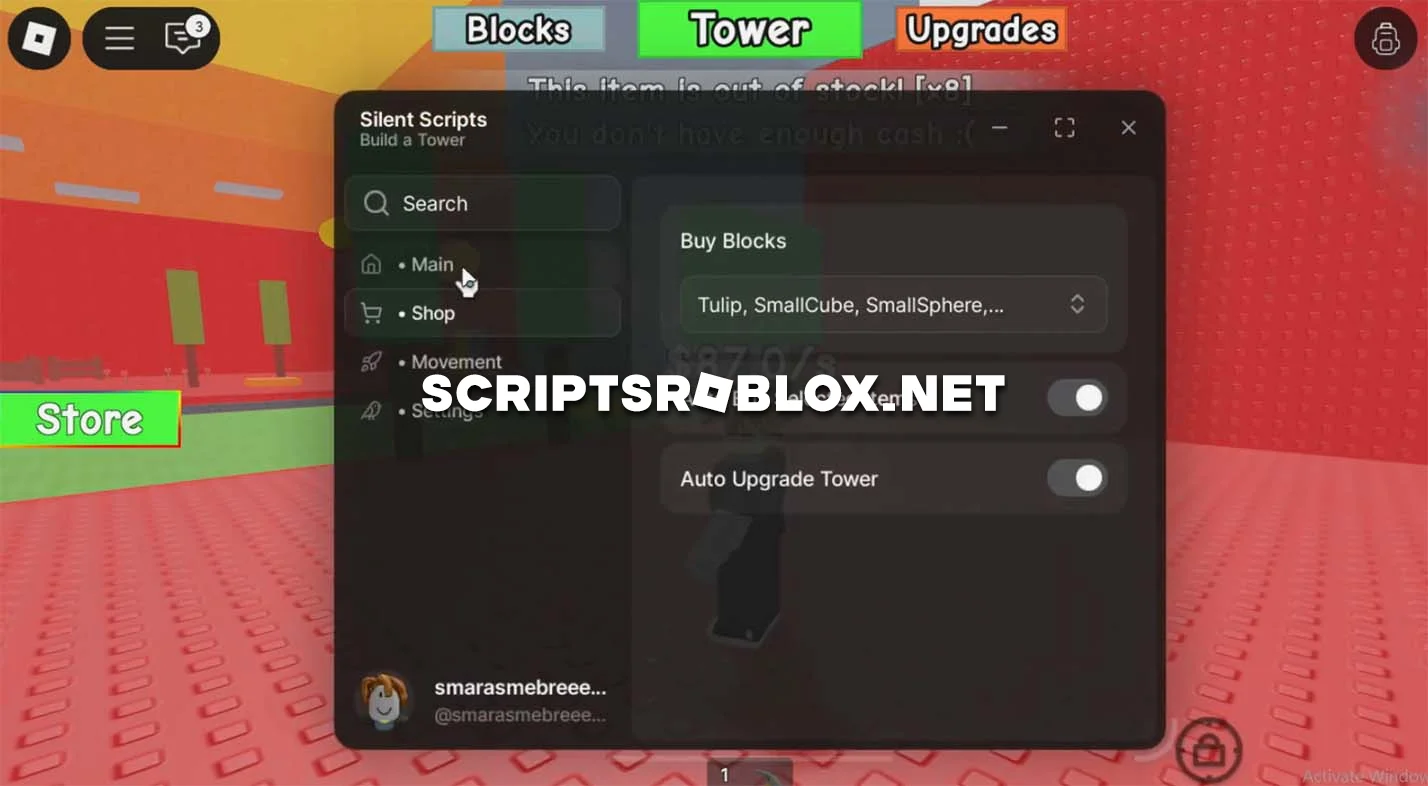
Want to level up faster in Roblox Build a Tower and get the most out of the game? This script will be your reliable tool. In this game, you have to build the tallest tower, and this script makes it easier to do so. The script has a convenient graphical interface with a wide range of features, including: Auto Buy, Auto Upgrade, Noclip, Fly, Teleport Tower, and Teleport Crafting Things. As you can see, these features automatically perform certain tasks in the game for you, which greatly simplifies gameplay. Activating the script is very simple: download it, open the selected Roblox exploit, paste the code, and click Execute. The whole process takes just a couple of minutes. Step-by-step instructions are provided below.
loadstring(game:HttpGet("https://raw.githubusercontent.com/ecrxks273/build-a-tower/main/build%20a%20tower"))()Supported Executors
You can execute this script using one of the supported Roblox executors below.
How to Use This Script
- Download and install a trusted executor.
- Open Roblox and join the game.
- Launch the executor on your Mobile Phone / Emulator.
- Paste the script code into the executor.
- Press Execute and enjoy the new features.
Tip: Always use trusted executors to avoid errors or bans.
Comments 0