
Build ur base Script GUI - Auto Farm, Auto Buy & More
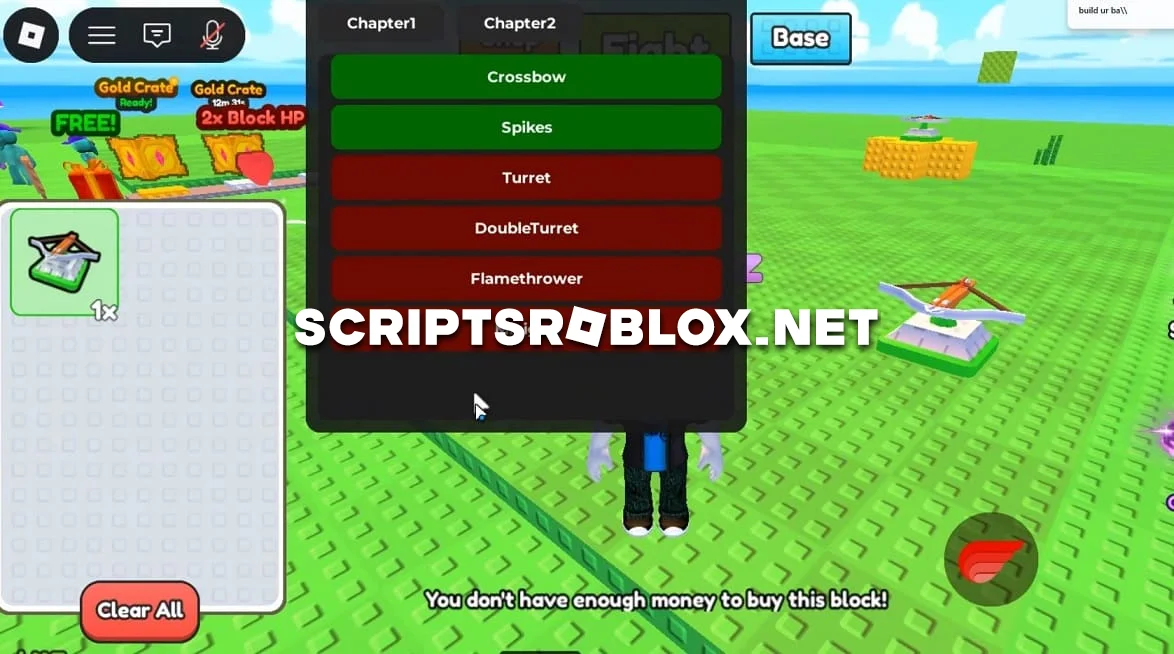
Fans of the Roblox game Build Your Base, we know how much you've been waiting for a working script, and we're finally publishing it for you. Author S0ftKillz has developed an excellent GUI script with an Auto Buy function that will greatly simplify gameplay and give you an advantage. In the graphical interface of this script, you can automatically purchase various traps and place them on your base. The script will be refined and updated with additional functions over time. The script is activated as usual: download it, open the selected Roblox exploit, paste the code, and click Execute. The whole process takes just a couple of minutes. Step-by-step instructions are provided below.
loadstring(game:HttpGet("https://gist.githubusercontent.com/user75335836/5f8292a553251dae4bd4276e9e7c79bb/raw/431f3225312f0f116f8722c16df0d6f791f2b295/gistfile1.txt"))()Supported Executors
You can execute this script using one of the supported Roblox executors below.
How to Use This Script
- Download and install a trusted executor.
- Open Roblox and join the game.
- Launch the executor on your Mobile Phone / Emulator.
- Paste the script code into the executor.
- Press Execute and enjoy the new features.
Tip: Always use trusted executors to avoid errors or bans.
Comments 0