
Roblox Craft Food Script - Auto Farm, Auto Buy & More
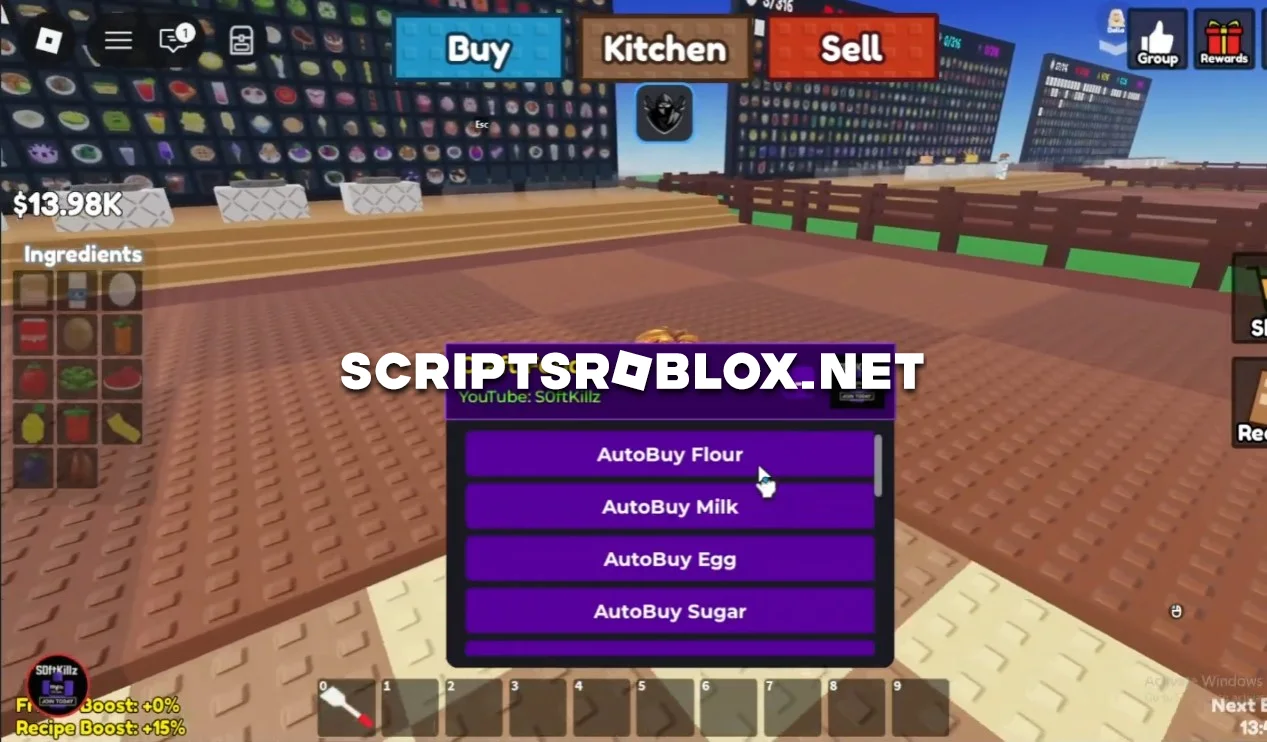
For fans of Roblox's Craft Food game, we've found an excellent free script that automatically performs certain actions. If you're tired of running around the map and manually buying dozens of ingredients for cooking, this script completely solves the problem and makes crafting food a quick and easy task. Now you don't have to be distracted from the process, as the necessary products will be purchased automatically, in the right quantities and without delay.
Craft Food Script Features
- AutoBuy Flour
- AutoBuy Milk
- AutoBuy Egg
- AutoBuy Sugar
- AutoBuy Potato
- AutoBuy Carrot
- AutoBuy Tomato
- AutoBuy Lettuce
This set makes crafting as convenient as possible: you simply prepare dishes, and the script ensures that you never run out of ingredients. It is especially useful for those who want to quickly level up recipes and fulfill orders without unnecessary routine.
loadstring(game:HttpGet("https://api.junkie-development.de/api/v1/luascripts/public/10fc7200dd134ce3cca42f3a031db69bbf16a90e5f144e4db6e7cab31b3ab1c3/download"))()Supported Executors
You can execute this script using one of the supported Roblox executors below.
How to Use This Script
- Download and install a trusted executor.
- Open Roblox and join the game.
- Launch the executor on your Mobile Phone / Emulator.
- Paste the script code into the executor.
- Press Execute and enjoy the new features.
Tip: Always use trusted executors to avoid errors or bans.
Comments 0