
99 Nights in the Forest Keyless Script: Bring Items, God Mode & More
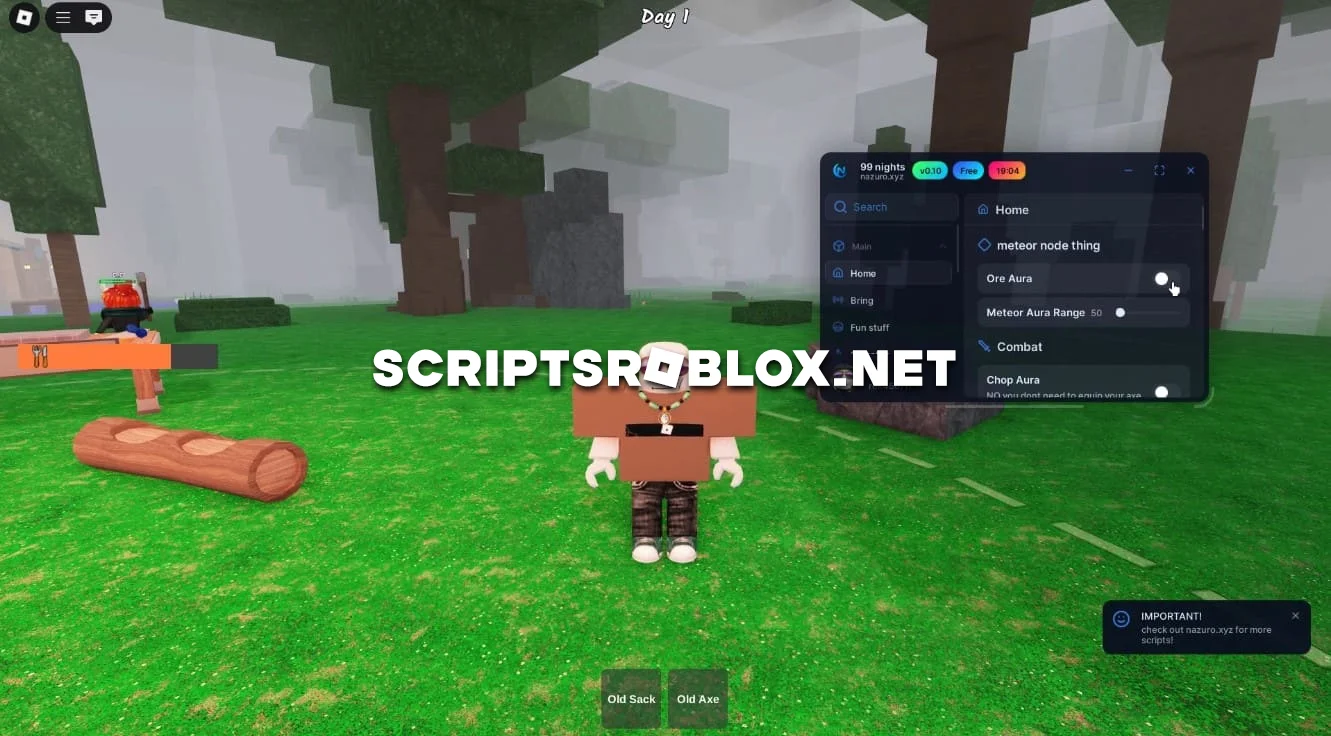
There are more and more scripts for 99 Nights in the Forest, and on this page we will present you with a very cool script from Nazuro, which is one of the best to date. This script works without a key and on any platform, whether it be a phone or a PC, and most importantly, it is supported by all known Roblox injectors. The script has all the necessary functions; below we will list the most basic ones. Once the script is activated, you will no longer have to manually farm the forest and gather resources in 99 Nights in the Forest — the script will fully automate this process. While it collects everything you need, you can calmly go about your business.
99 Nights in the Forest Keyless Script Features
- Bring Items - the script will collect all items on the map and teleport them to you.
- God Mode - makes you invulnerable.
- Auto Collect Coins - automatically collects all coins on the map.
- Auto Collect Diamonds - automatically collects all diamonds and gems.
- Chop Aura - after activation, trees will display a health indicator. All you have to do is select the radius and axe, and your character will start farming.
- Air Walk - a cool option that allows you to walk on air. You could say it's the ability to fly.
- Auto Cook / Auto Consume - the script will cook food itself, and your character will eat automatically.
- And many more!
Nazuro is an excellent choice for those who want to enjoy the game without unnecessary routine. The script does everything for you: farms, protects, and helps you develop much faster.
If you want to confidently survive all 99 nights and become the strongest player on the server, try this script right now and see its power for yourself!
loadstring(game:HttpGet('https://nazuro.xyz/99nights'))()Supported Executors
You can execute this script using one of the supported Roblox executors below.
How to Use This Script
- Download and install a trusted executor.
- Open Roblox and join the game.
- Launch the executor on your Mobile Phone / Emulator.
- Paste the script code into the executor.
- Press Execute and enjoy the new features.
Tip: Always use trusted executors to avoid errors or bans.
Comments 1