
Blox Fruits Script (Vxeze Hub): Auto Farming GUI
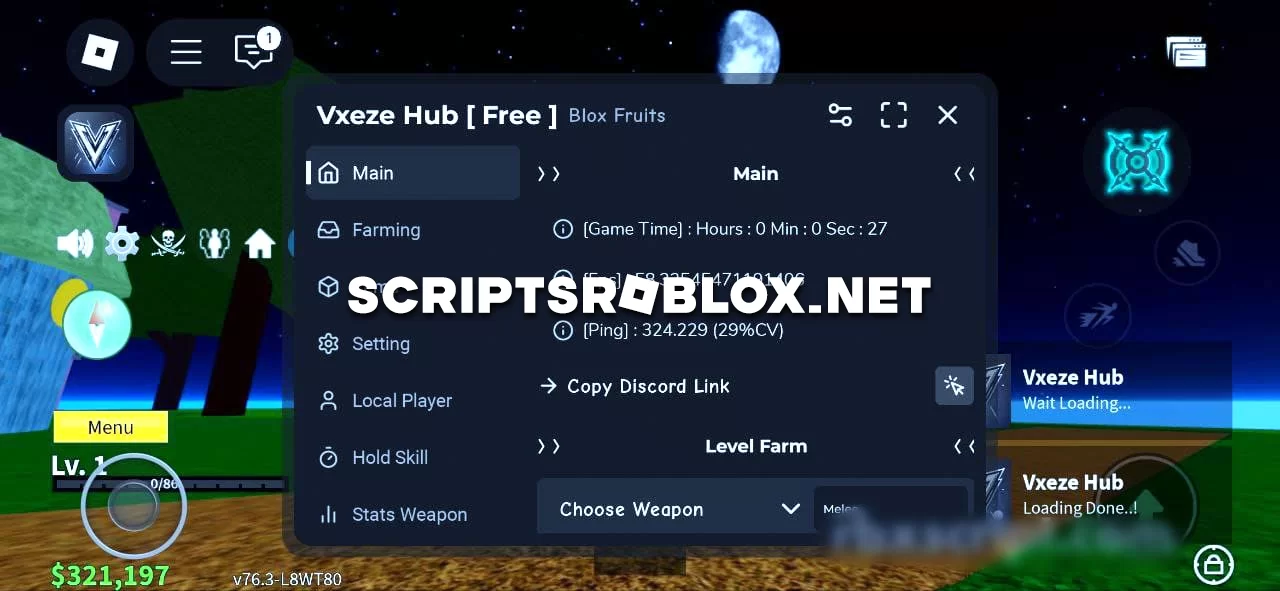
For true Blox Fruits fans, we are publishing a new script from Vxeze Hub with a graphical interface and a variety of features that improve the gaming experience. The script is capable of automatically performing many different tasks that would otherwise take up your precious time if done manually. You can run this script on your mobile device as well as on your PC. It is easy to activate and use. Below you will find detailed instructions on how to activate it.
💻 Script Code
loadstring(game:HttpGet("https://raw.githubusercontent.com/Dex-Bear/Vxezehub/refs/heads/main/VxezeHubMain"))()Supported Executors
You can execute this script using one of the supported Roblox executors below.
How to Use This Script
- Download and install a trusted executor.
- Open Roblox and join the game.
- Launch the executor on your Mobile Phone / Emulator.
- Paste the script code into the executor.
- Press Execute and enjoy the new features.
Tip: Always use trusted executors to avoid errors or bans.
Report
Comments 0