How to Make a Skin in Roblox – Best Methods
Creating a unique skin in Roblox is a way to stand out among millions of players and express your individuality. In this guide, we will tell you how to make a skin in Roblox—for free, beautifully, on your phone, and without donating. You will learn all the options—from basic to the most creative.
What Are Roblox Skins?
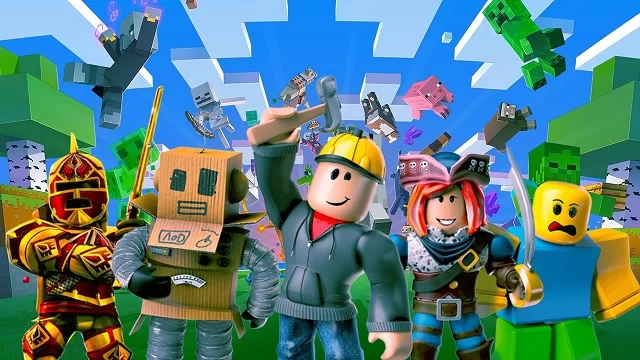
Skins are the appearance of characters (also known as avatars). They have no effect on gameplay, but they help you stand out from the crowd of players. Skins consist of: clothing (T-shirts, pants, dresses), accessories (hats, glasses, masks), hairstyles, shoes, and animations. All of this can be changed and combined to create a cool skin in Roblox using in-game tools or external editors.
How to Make a Free and Cool Skin in Roblox
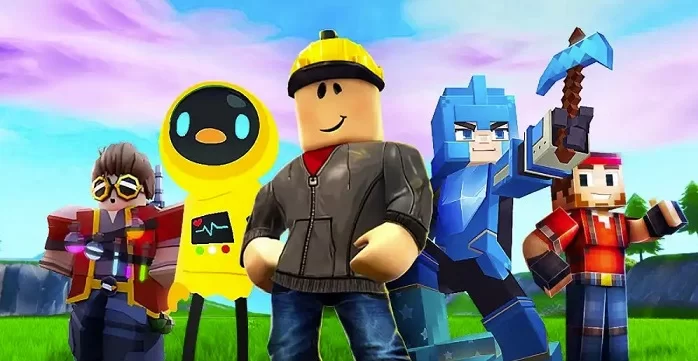
If you don't have Robux, don't worry. This method will allow you to create a skin in Roblox without Robux:
- Go to Avatar Editor.
- Select Clothing - Classic Shirts, Pants, Accessories.
- Set the filter to Free.
- Combine free items.
- For example: a free T-shirt, basic jeans, a simple accessory (headphones, cap).

A small tip: look for combinations to create a free, attractive skin in Roblox.
How to Make a Skin in Roblox Studio
If you want to make your own skin in Roblox, use Roblox Studio:
- Log in to the Roblox website and click “Start Creating.”
- Download and install Roblox Studio.
- After launching, click on the plus sign in the upper left corner and select a location, such as Flat Terrain.
- Go to the “Test” tab and select “Play.”
- Click on “Current: Client” to freeze the scene.
- Select the character, right-click, and select “Copy.”
- Stop the game with the “Stop” button and paste the model by right-clicking, then selecting “Paste.”
- Right-click on the inserted character again and select “Ungroup” to separate the accessories.
- Go to the “View” section and enable the “Explorer” panel.
- Find “Humanoid” in the list of objects and delete it. Then press Ctrl + Z to undo the deletion - this is necessary to activate some parameters.
- Find “HumanoidRootPart” in the drop-down list, hold down Shift and move it up.
- Select the top accessory (e.g., hair), open Properties, and:
- Enable the “Anchored” option so that the parts do not fly apart.
- Uncheck “Locked.”
How to Make a Girl and Boy Skin in Roblox
- Girl skin: choose feminine body shapes, soft colors (pink, lavender), add a dress or blouse with ruffles.
- Boy skin: caps, hoodies, sweatpants, and sneakers are suitable. The color scheme should be dark or neutral.
How to Make a Small, Invisible, or Themed Skin in Roblox
- Small skin: reduce the body size in the avatar editor
- No head, legs, or face: use Roblox Studio or bugs (sometimes only work in R6)
- Invisible skin: black clothes, dark skin, and minimal details
Themed skins:
- Cat: find ears and a tail in the catalog
- Emo: black clothes, hair with bangs, chains
- Miss: dress, tiara, delicate palette
- Labubu: choose a mask, clothes, and accessories from popular collections
FAQ
- How to make a free small skin in Roblox?
Use the scaling tool in the avatar editor: reduce the height and width of the body. Add free items from the catalog. - How to make a headless skin in Roblox?
Some Roblox Studio bugs allow you to hide the head. Or use an invisibility mask from events. - Is it possible to make a cool skin without Robux?
Yes, if you choose free items wisely, you can put together a cool look without spending any money. - Is it possible to make a skin for free without donating?
Yes! Many items in Roblox are available for free — you just need to know where to look. There are also promotions and events where items are given away.