
99 Nights In The Forest Script (NTT Hub) - Mobile & PC GUI
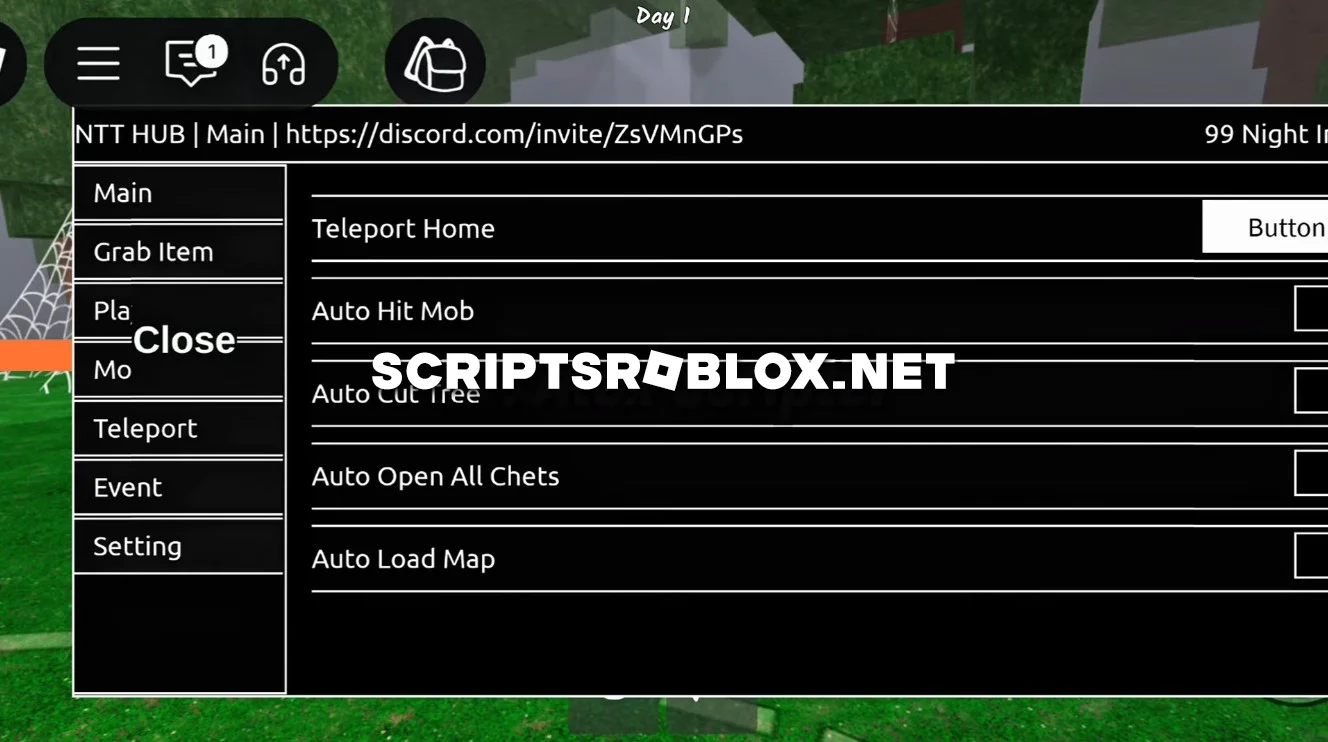
We present you with a free script for 99 Nights In The Forest from NTT Hub. This script fully automates everything that used to be done manually: it mines resources, collects items, prepares food, fights enemies, and helps you survive even in the most difficult conditions. Everything works stably and without errors, just run it and enjoy the process.
Especially useful during the Halloween Event, the script collects candy and completes seasonal tasks, saving you a lot of time. The script is easy to manage thanks to its graphical interface, where you can activate the function you need by changing tabs. Scriptsroblox.net recommends that you try this script. It is very easy to activate, and detailed mini-instructions are provided below.
99 Nights In The Forest Script NTT Hub Features
New Update Support, Tree Aura Farm, Kill Aura, Auto Farm Diamonds, Best Auto Candy Farm, Fast Resource Collection, Anti Hunger, God Mode / Unlimited Health, Reach Infinite Days, Auto Collect Materials (Wood, Food, Coal, and more), Auto Open Chests, Teleport Anywhere, Walk Speed Boost, Infinite Jump, Anti Kick, and much more.
loadstring(game:HttpGet('https://ntt-hub.xyz/api/repo?id1=main&id2=lua'))()Supported Executors
You can execute this script using one of the supported Roblox executors below.
How to Use This Script
- Download and install a trusted executor.
- Open Roblox and join the game.
- Launch the executor on your Mobile Phone / Emulator.
- Paste the script code into the executor.
- Press Execute and enjoy the new features.
Tip: Always use trusted executors to avoid errors or bans.
Comments 0