
Grow a Garden Script (Napoleon Hub) - Auto Plant & More Features
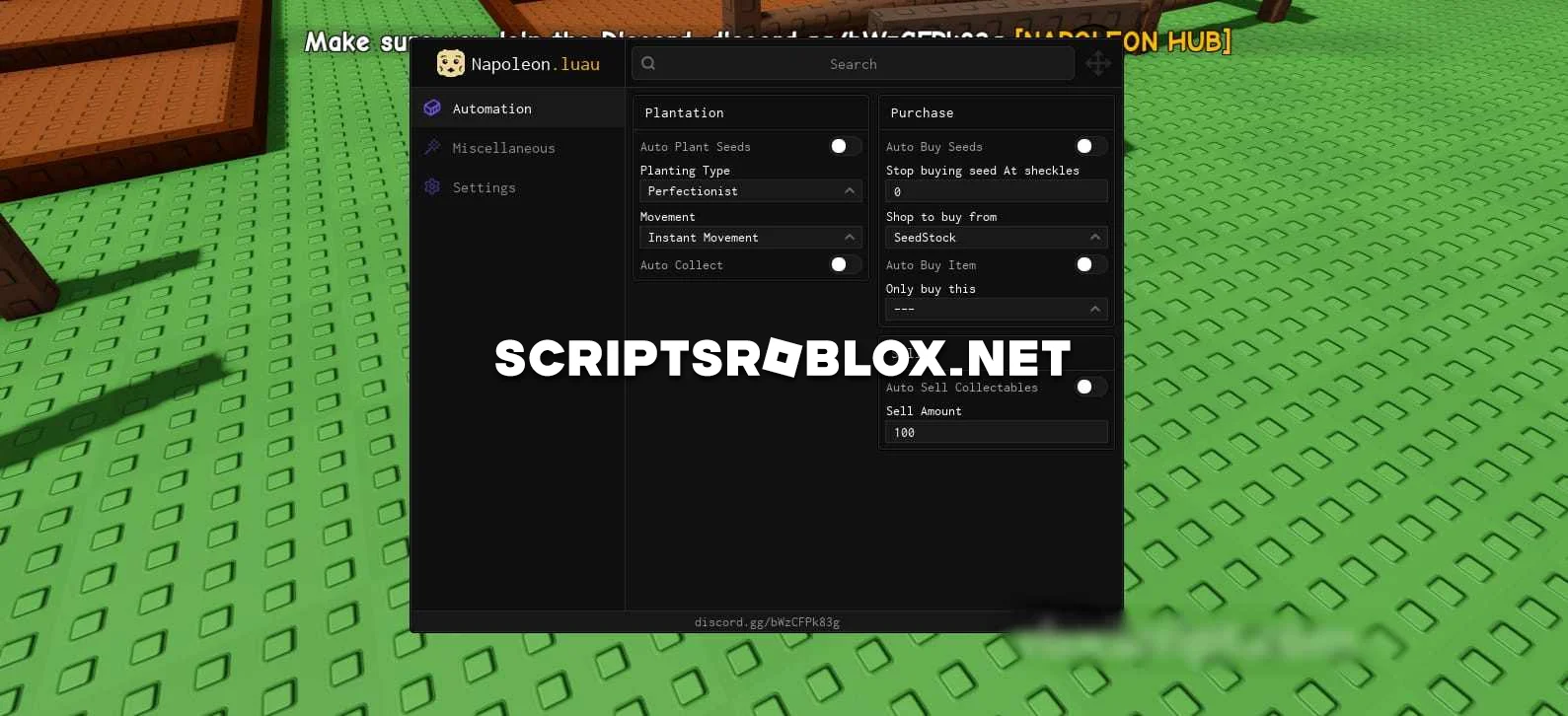
You asked, we listened, and now we're publishing another cool script for the most popular Roblox game, Grow a Garden. This script has a beautiful graphical interface that can improve your gaming experience and make the game more interesting.
This script is suitable for both beginners and experienced players. It is safe, regularly updated, and supports the current version of the game. The interface is easy to use, and the function works stably. In it, you can activate functions Auto Plant Seeds, Auto Collect, Auto Buy Seeds, Auto Buy Item, Auto Sell, and others.
Overall, we recommend that you download this script, as it will allow you to complete tasks and progress in the game much faster than before.
loadstring(game:HttpGet("https://raw.githubusercontent.com/raydjs/napoleonHub/refs/heads/main/src.lua"))()Supported Executors
You can execute this script using one of the supported Roblox executors below.
How to Use This Script
- Download and install a trusted executor.
- Open Roblox and join the game.
- Launch the executor on your Mobile Phone / Emulator.
- Paste the script code into the executor.
- Press Execute and enjoy the new features.
Tip: Always use trusted executors to avoid errors or bans.
Comments 0